Neiroha CosyVoice3
This page covers the Neiroha CosyVoice3 local backend. Extract the portable Release package, or place the source repository anywhere; <backend-root> refers to that directory.
It provides FastAPI, Gradio Admin, TOML model presets, TOML voice sets, an OpenAI-compatible TTS API, and native /api/cosyvoice routes. The current version uses an independent CosyVoice3 backend, with official FunAudioLLM/CosyVoice as a submodule.
Capability Summary
| Dimension | Current Notes |
|---|---|
| Recommended version | Default is Fun-CosyVoice3-0.5B, output sample rate 24 kHz. |
| Languages | Official model card lists 9 common languages: Chinese, English, Japanese, Korean, German, Spanish, French, Italian, Russian. |
| Dialects / accents | Official model card mentions 18+ Chinese dialects / accents, including Guangdong, Minnan, Sichuan, Northeast, Shanxi / Shaanxi, Shanghai, Tianjin, Shandong, Ningxia, and Gansu. |
| Cross-language output | Supports multilingual / cross-lingual zero-shot voice cloning. Target language should still stay within the official 9 languages. |
| prompt clone | prompt-clone / zero_shot needs reference audio and prompt text matching that audio. |
| cross-lingual clone | cross-lingual-clone needs reference audio only; target text decides output language. |
| instruct clone | instruct-clone needs reference audio and instruction for speed, emotion, dialect, volume, and similar controls. |
| Official speed reference | Official model card emphasizes bi-streaming and latency down to around 150 ms, but does not provide one unified PyTorch RTF table. |
| Boundaries | Rare words, tongue twisters, and specialized terms can be unstable; emotion control depends heavily on text semantics. |
Default Addresses
| Service | Default Address | Purpose |
|---|---|---|
| FastAPI | http://127.0.0.1:9880 | Neiroha provider connects here. |
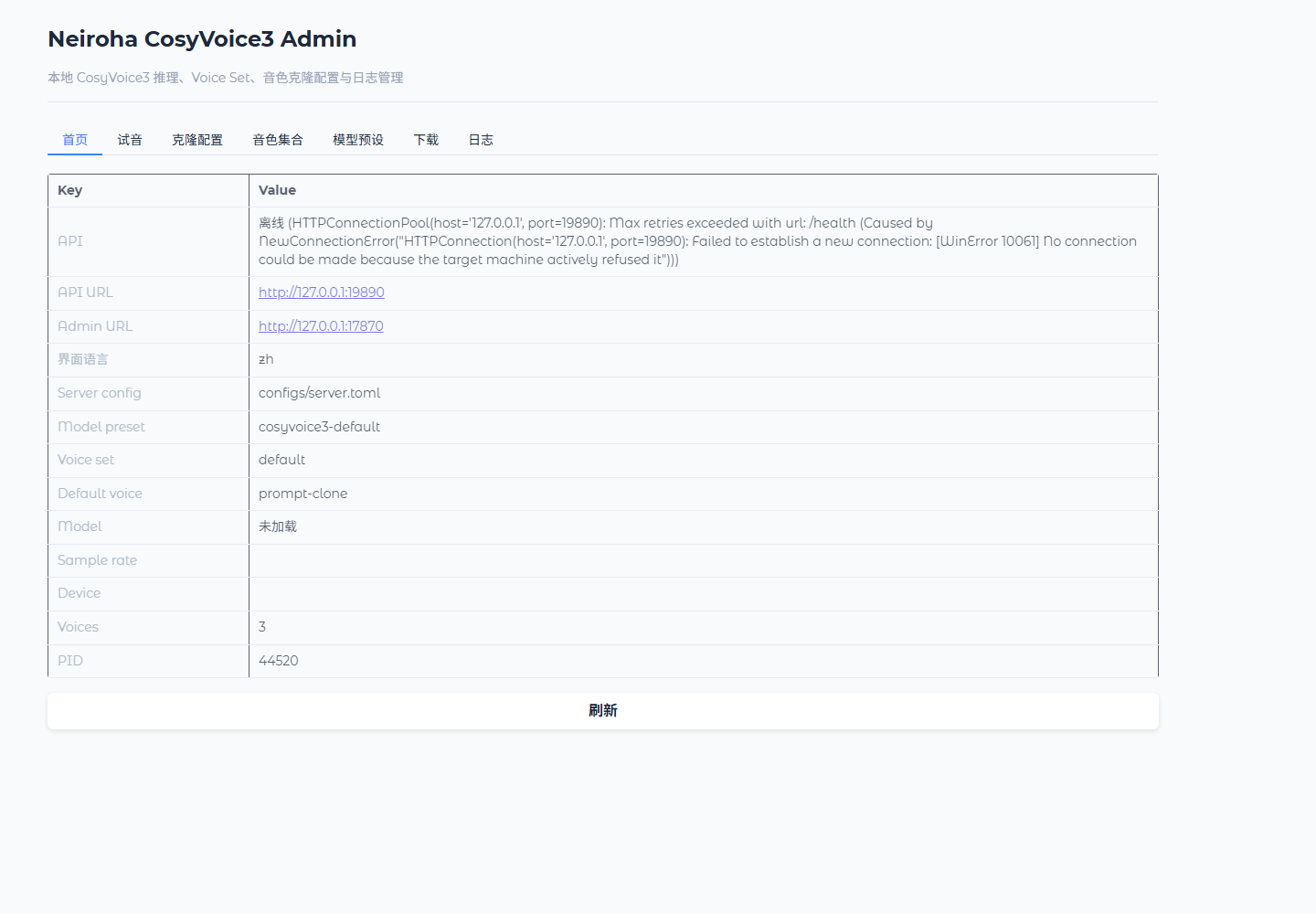
| Admin | http://127.0.0.1:7880 | Manage voice sets, clone config, model presets, downloads, and logs. |
CosyVoice3 and GPT-SoVITS both default to API port 9880. Change one backend port in configs/server.toml, or use the random port selected by the launcher.
Install
Download Windows portable packages from Neiroha-Cosyvoice V1.0.0 Release. The current package is built for NVIDIA GPU / CUDA environments and mainly targets RTX 30 / 40 / 50 series users. Current split archive names are neiroha-cosyvoice3-portable.7z.001 through .006; if GitHub downloads are unstable, use the Baidu Netdisk mirror from the Release body. Put all six parts in the same directory and extract from .001.
Source or development environment:
pixi install
pixi run submodule-init
pixi run install
pixi run install downloads the CosyVoice3 model to:
models/Fun-CosyVoice3-0.5B
Optional resources:
pixi run install-wetext
pixi run install-ttsfrd
Start
Portable Release:
.\start_portable.bat
Source environment:
pixi run serve
Common tasks:
| Command | Purpose |
|---|---|
pixi run serve | Start according to configs/server.toml [startup].surface, default API + Admin |
pixi run api | Start FastAPI only |
pixi run admin | Start Gradio Admin only and connect to an existing FastAPI |
pixi run smoke | Check /health, /v1/models, /v1/audio/voices, and synthesis |
pixi run clone-smoke | Check clone flows |
pixi run test | Run backend tests |
pixi run launcher-help | Show launcher arguments |
Default [startup].preload_model = true, so first startup loads the model.
Connect Neiroha
- Open Providers.
- Create a provider, adapter type CosyVoice Native.
- Set
Base URLtohttp://127.0.0.1:9880, or the actual logged address. - Leave
API Keyempty if local auth is disabled. - Click Fetch All.
- Confirm
prompt-clone,cross-lingual-clone, andinstruct-clone. - Enable the provider and click Health Check.
Android emulator host URL:
http://10.0.2.2:9880
Character Setup
| Goal | Setting |
|---|---|
| Zero-shot prompt clone | Select prompt-clone, provide reference audio and prompt text. |
| Cross-language clone | Select cross-lingual-clone, provide reference audio and target-language text. |
| Instruction control | Select instruct-clone, write voice requirements in instruction. |
| Custom reusable voice | Upload reference audio in Admin clone config and save a new voice. |
Use clean short reference audio without background music. prompt_clone requires prompt text; instruct requires instruction.
API Prefix
OpenAI-compatible routes:
| Method | Path | Purpose |
|---|---|---|
GET | /health | Health check |
GET | /v1/models | List voice sets |
GET | /v1/audio/voices | List voice profiles |
POST | /v1/audio/speech | Synthesize with registered voice |
Native prefix is /api/cosyvoice. Legacy /cosyvoice/* and /cosyvoice3/* remain for compatibility; new integrations should prefer /api/cosyvoice.